Control Panel

See through

Windows Version Number: Windows 11 Pro 26H2 (OS Build 26300.10075)
App Version: 7.0

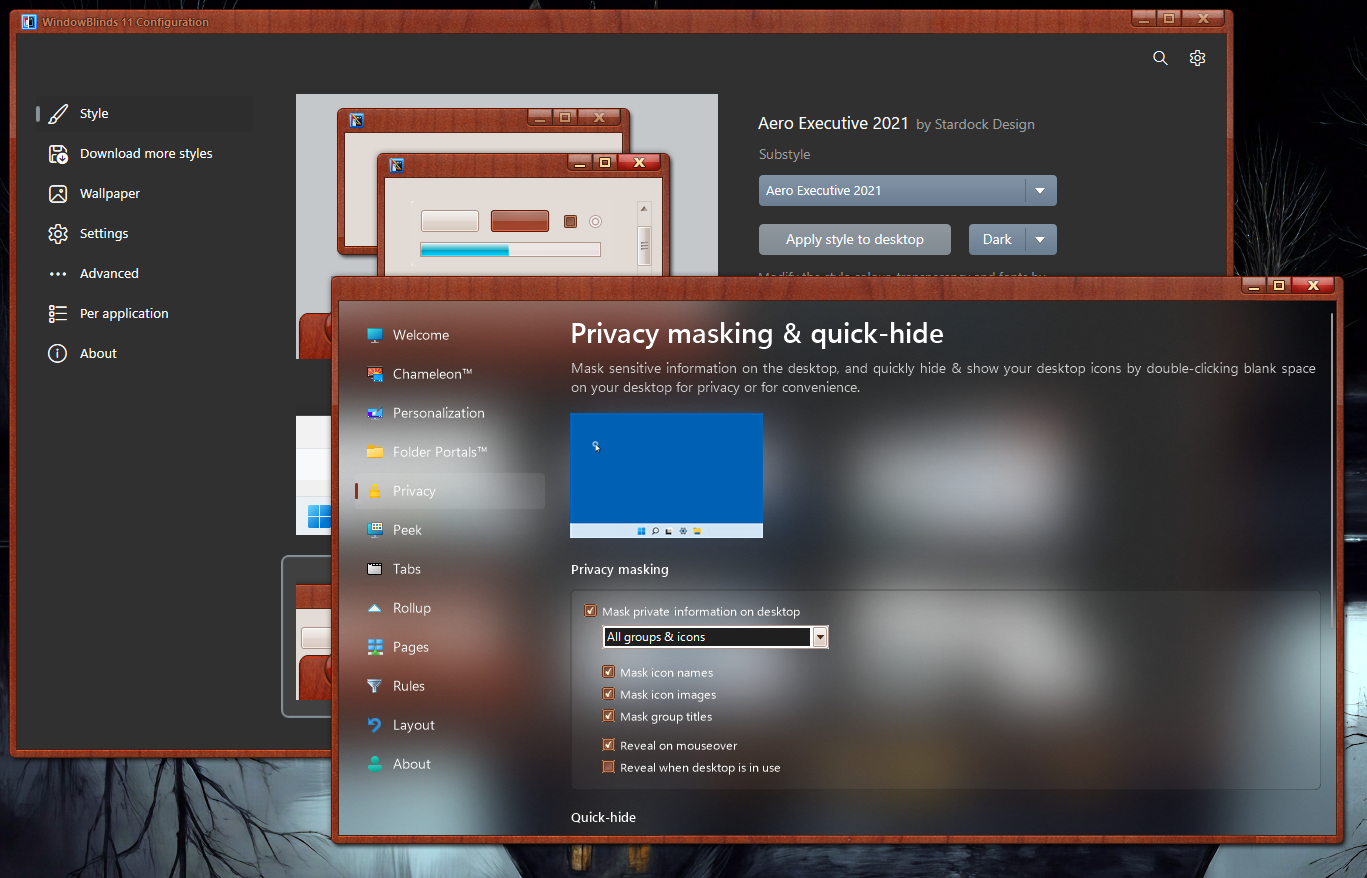
My Fences Control Panel is now see through. I have tried to change its background, but nothing worked. I will note that I am running Deskscapes 2026 (26.0.1.1) with an animated background. Not too sure if that is the cause though.
182 views 6 replies
Reply #1 Top

Hello,
Sorry to hear you are having issues. That is a strange issue. As a test, try Windows Sandbox text. Refer here for steps: https://support.stardock.com/space/SHC/1416560645/Testing+Fences+in+Sandbox. Try it and report back.

Thank you,
Basj,
Stardock Community Assistant.

Reply #2 Top

Okay, I found the issue. It seems that the issue is with WindowsBlinds 11. I can't have both Fences 7 and Windowsblinds 11 loaded at the same time. They may be sharing the same .dll (wbloadB.dll).

Reply #3 Top

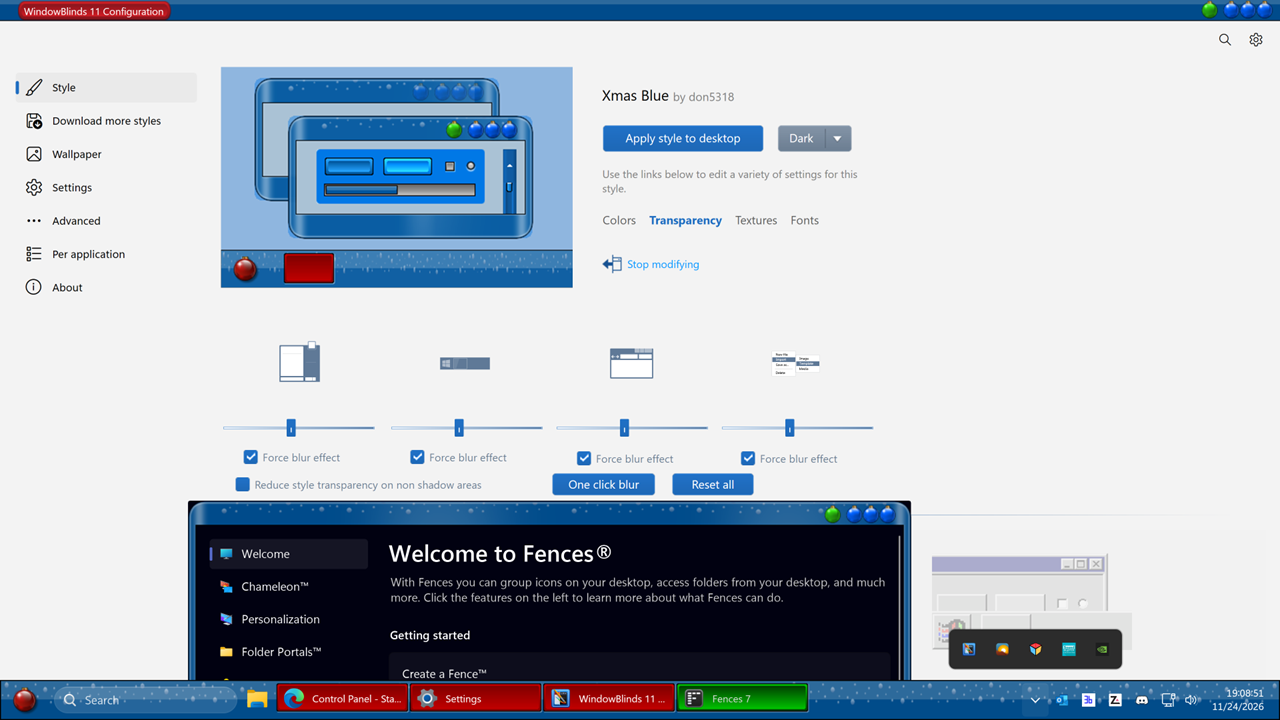
After testing with Windowblinds, this is what I get.

It was not as bad since the transparent background get blurry. So the Fences text still readable. Moving forward, I have forwarded your problem/question to Stardock Support Team for their assistance. Please keep an eye on this thread for any updates. We appreciate your feedback and patience. Thank you.

Basj,
Stardock Community Assistant

Reply #4 Top

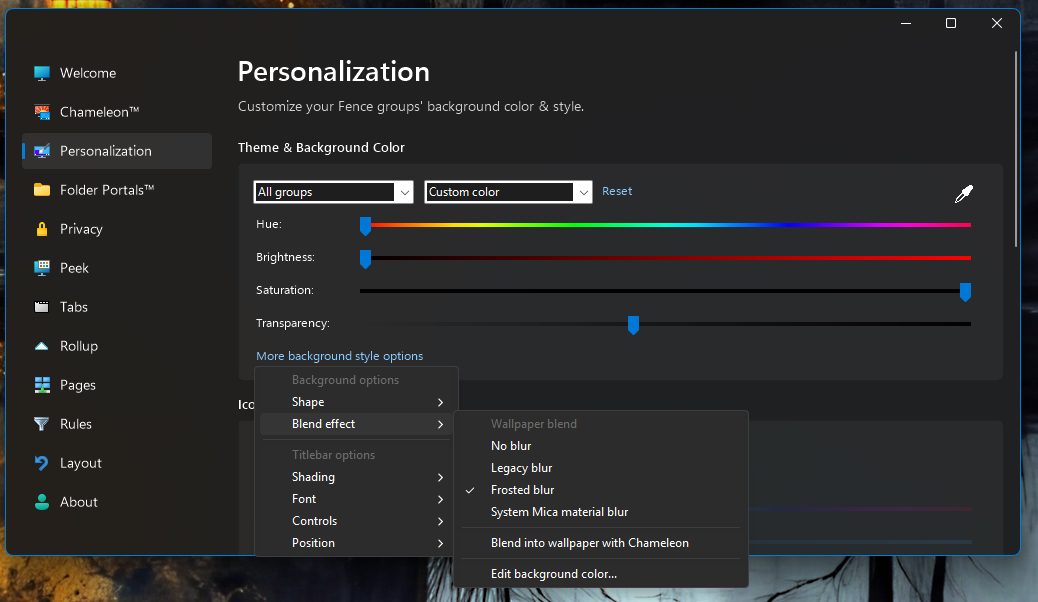
Hi all, interesting, and seems like perhaps Acrylic should be disabled for Fences when WindowBlinds is enabled.

Reply #5 Top

I can't find the "Acrylic" switch, wrong location?

Thank you,

Basj,
Stardock Community Assistant