Windows 11 File Explorer | New Tab (+ button) usually does nothing

In Windows 11 25H2, Groupy is set with Grouping settings > Replace File Explorer & Windows Notepad tabs.

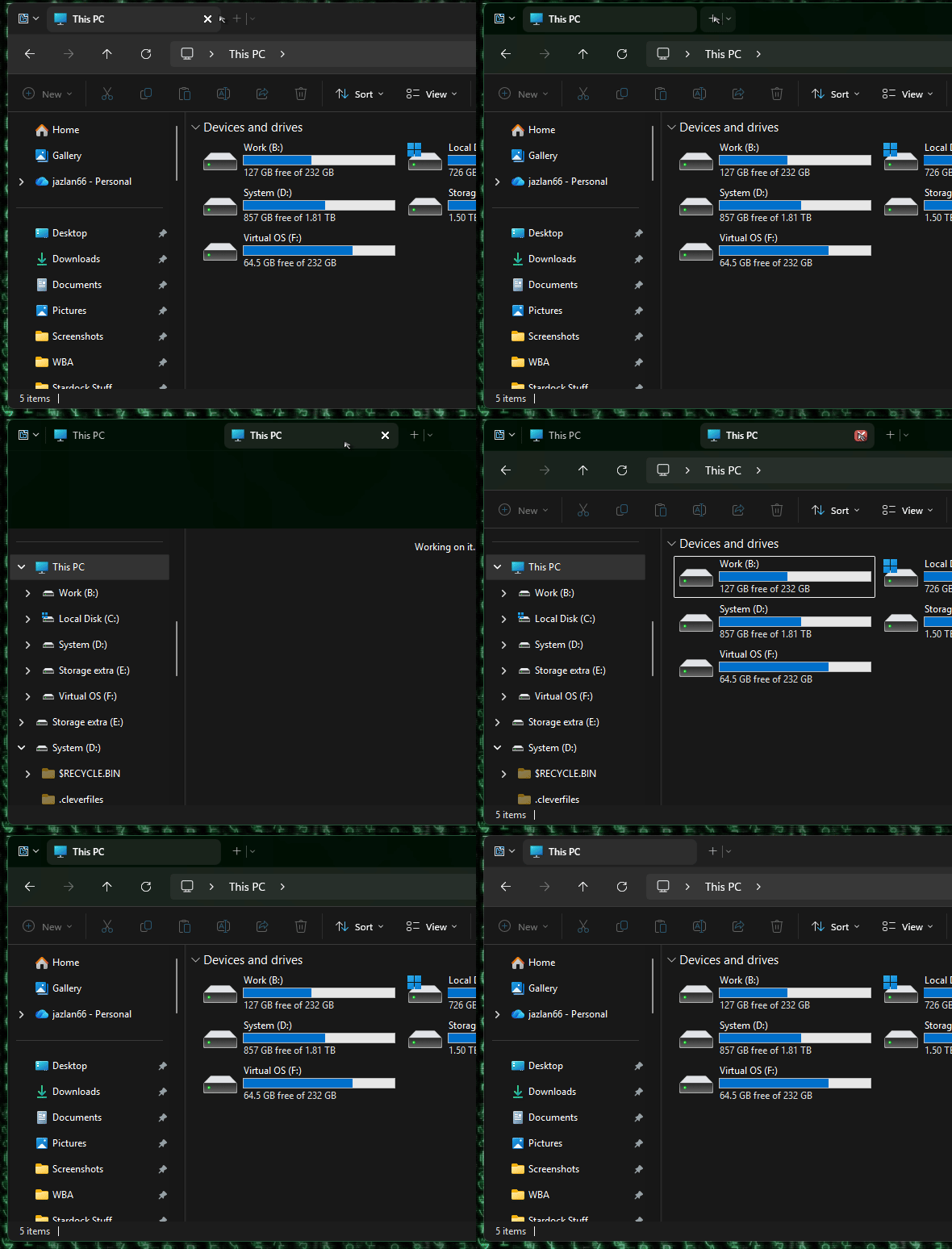
Most of the time, clicking the new tab button (plus +) to the right of a File Explorer tab does nothing. Literally there is no response to clicking the button. This is true even with a freshly installed instance of Groupy in a newly installed Windows 11 25H2 machine.

Clicking the dropdown next to the + sign and choosing "New tab" causes that window to minimize, and no new tab appears.

Rarely, the new-tab button does work. But most of the time nothing happens when it's clicked.
142 views 5 replies
Reply #1 Top

Hello,
Sorry to hear you are having issues. I can't reproduce your issue on my system. Refer to my short video below.

Moving forward, first, please try, uninstall Groupy, reboot immediately (important), download latest version available in your account product download page: https://store.stardock.com/myaccount/products. Install it, reboot immediately again. Retest it and report back.

If the issue still there, need few more details.

  1. Windows 11 25H2 full OS Build number. Please use Winver.exe to get this number.
  2. Groupy full version number installed.
  3. You did mentioned "Most of the time", need to know if there are steps that you can force the issue to appear.

Thank you.
Basj,
Stardock Community Assistant.

Reply #2 Top

Thank you, Basj - your swift reply is appreciated!

Already tried uninstalling/reinstalling latest version (2.31) of Groupy2 - and even reinstalling Windows - and restarting multiple times. The issue persists. Most of the time, Groupy2 will not instantiate new File Explorer tabs. 

For that matter, it frequently doesn't create other types of new tabs. Right now I am clicking to create new tabs on an Excel window and nothing happens. 

Please note that Groupy and Groupy2 have been used here for a long time and the features and capabilities are very familiar. In Windows 11, it's much more buggy than in the past. 

I have not observed any specific steps to cause the issue. Making new tabs with Groupy2 rarely works, and using the dropdown and clicking "New tab"  causes that window to minimize. 

Details:

  • Windows Pro 11 25H2 (OS Build 26200.8246)
  • Groupy 2.31
Reply #3 Top

Try this.

  1. Disable Groupy.
  2. With Windows Explorer open.
  3. Press Ctrl+N on your keyboard.
  4. Does a new Windows Explorer open without issue?

Thank you,

Basj,
Stardock Community Assistant

Reply #4 Top

Thank you for these steps.

Yep, CTRL+N results in a new Windows File Explorer window opening.